Developing an Open-Source Engineering Stack
My experience using and building FOSS tooling as a mechanical engineer
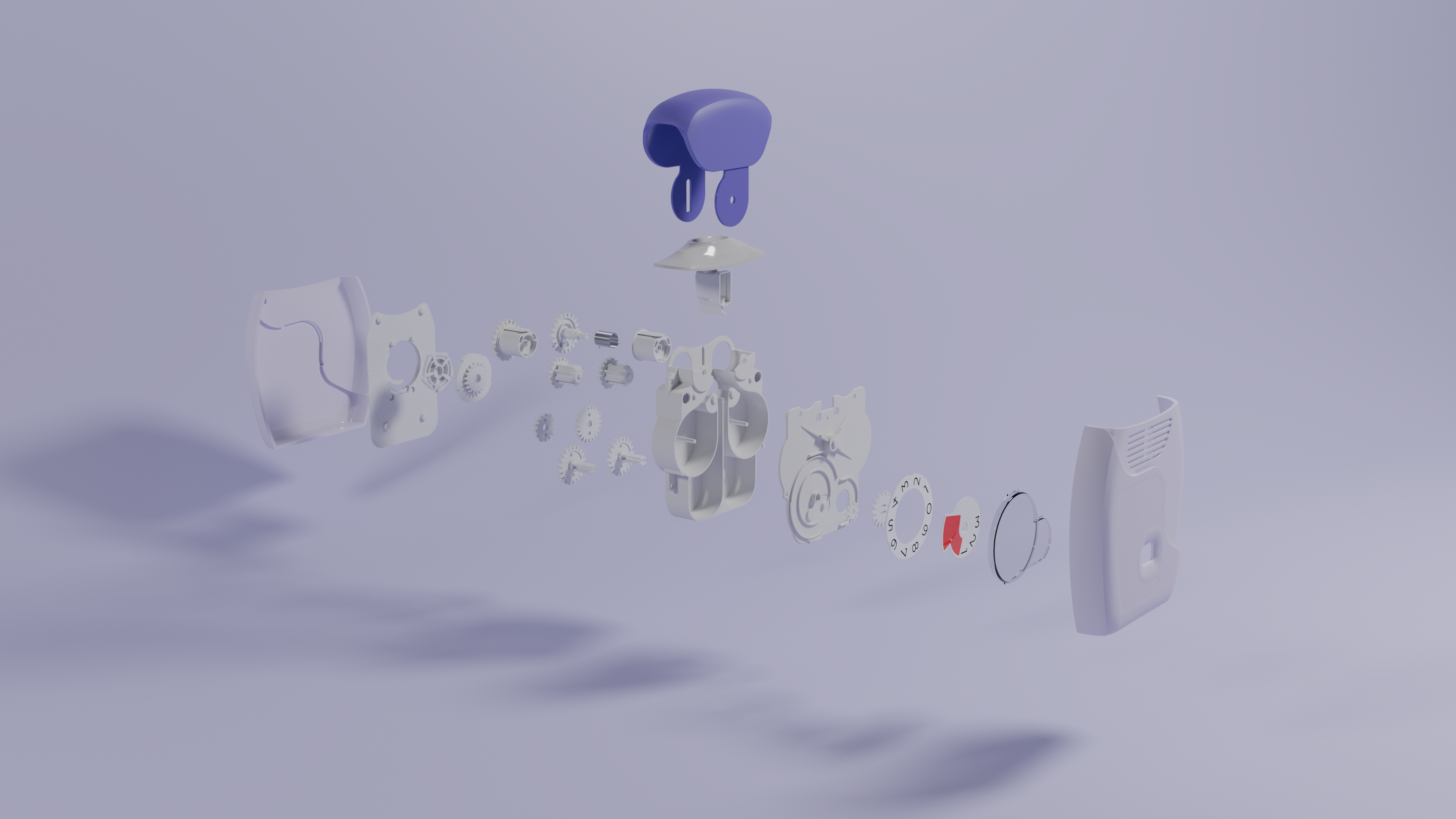
Background
Given the growing international concerns for data sovereignty, software ownership, and other anti-consumer business practices, I thought it would be fitting to research and test open-source alternatives to tools I have used throughout my career.
For the past few years I have been working on building an effective free and open source (FOSS) tech stack for engineers. While a lot of this software is quite mature, FOSS applications typically come with painpoints and show-stoppers which stop you from working.
My objective is to assess whether or not these apps show promise, and then to implement what it would take to make them usable in a professional environment.
The inhaler model shown above was my first private project built in FreeCAD and Blender.
My Stack
If you are interested in my software stack - I have left it below, including my experience level with each.
Mechanical Engineering
- CAD
- FreeCAD
[ADVANCED]- FreeCAD v1.1+ includes some significant improvements in its core ‘Part Design’ workbench. For solid modelling, this is perfectly capable. Surface modelling is hard work and unreliable.
- FreeCAD has a Python API - allowing you to develop complex macros, or even develop custom model tree features.
- FreeCAD
- Simulation
- FEA
- CalculiX
- Elmer
[BEGINNER]
- CFD
- OpenFOAM
- PostProcessing
- ParaView
[BEGINNER]
- ParaView
- Meshing
- Gmsh
- FEA
Software Development
- IDE
- Neovim
[ADVANCED]- Terminal User Interfaces are great for hopping between remote machines to run servers or simulations. The keyboard-first approach has a learning curve, but can be much faster than other IDEs
- tmux
[INTERMEDIATE]- tmux is a terminal multi-plexer for linux which is great for terminal power users.
- Pairs well with a terminal-based text editor like Neovim.
- Neovim
- Operating Systems
- Windows Subsystem for Linux (WSL)
[INTERMEDIATE]- Currently, a full shift to a Linux OS is not practical for most people due to poor software compatibility. WSL lets you run open-source tools without much issue from Windows.
- Great for software development.
- Windows Subsystem for Linux (WSL)
- Scripting
- Python
[EXPERT]- A simple way to get into scripting, especially with AI these days.
- For engineers dealing with proprietary software, I can recommend the
pywin32module for automating day to day tasks.
- Python
- Tailscale
- Tailscale allows you to create your own virtual private network (VPN). Great for quickly networking machines over public networks to exchange data or run self-hosted services or websites.
Version Control / Data management
- Git
[INTERMEDIATE]- Options such as Gitea exist for self-hosted alternatives to GitHub and GitLab
- PYPLM
[CUSTOM SOFTWARE]- PYPLM is a FOSS PLM software I am currently developing as a web/desktop application, intended as a lightweight PDM/PLM system to manage engineering data, version control, and cloud backups.
- PYPLM currently is the backend of my own FreeCAD CAD development pipeline, managing version control
Asset Production
- Blender
[INTERMEDIATE]- Blender is an exceptional tool for 3D production workflows, including modelling, rendering and postprocessing.
- A common hurdle in mechanical engineering is being able to convert NURBs data into an appropriate format for rendering
- Blender’s compositor can also be used for image correction
- Inkscape
[ADVANCED]- 2D vector graphics software - great for producing diagrams, posters
- Davinci Resolve
- Not open-source, but a free alternative for video production which I have used